PixPix Integrates ChatGPT Images 2.5 for Ecommerce
PixPix has officially integrated ChatGPT Images 2.5, OpenAI's latest image model, becoming one of the first platforms in the industry to bring the new model into an ecommerce-focused visual workflow.
Cross-border sellers, ecommerce brands, content teams, and visual creators can now use the new model within PixPix for AI image generation and editing, product image generation, scene creation, and creative asset production.
Released by OpenAI on September 8, ChatGPT Images 2.5 introduces improvements in image detail, editing accuracy, and generation speed.
For ecommerce teams that frequently create and revise product visuals, these improvements matter beyond the quality of a single generated image. They can also affect how quickly a team moves from an initial concept to a usable marketing asset.
What’s New in ChatGPT Images 2.5?
The latest update focuses on three major areas.
1. Improved Image Detail
Product imagery often requires a higher level of visual consistency than general creative image generation.
Fabric texture, metallic reflections, packaging edges, product materials, and structural details can all determine whether an AI-generated image is actually useful in an ecommerce workflow.
ChatGPT Images 2.5 improves the model's ability to render visual details more clearly.
When creating product images, users can pay particular attention to areas such as materials, surface texture, product edges, packaging, and structural consistency.
For brands producing product pages, social media creatives, advertising assets, and marketplace visuals, stronger detail rendering can help generated images move closer to production-ready content.
2. More Precise Image Editing
Ecommerce teams do not always need to create an entirely new image.
In many cases, the real task is to modify an existing product image while keeping the product itself consistent. PixPix's AI Product Retouching tool is designed around this type of ecommerce image workflow.
Typical examples include:
replacing the background while keeping the product unchanged;
adjusting lighting without changing product color;
adding props while preserving packaging and branding;
changing the composition while retaining the original product;
editing one part of an image while leaving everything else untouched.
ChatGPT Images 2.5 improves how the model follows image editing instructions.
For better results, it is useful to clearly describe both what should change and what should remain unchanged.
For example:
“Replace the background with a light office desk scene while keeping the product color, logo, packaging structure, and original proportions unchanged.”
For product imagery, this type of instruction is generally more useful than simply asking the model to “change the background.”

3. Faster Image Generation
At the model level, image generation latency in ChatGPT Images 2.5 can be up to 50% lower than in version 2.0.
This is particularly relevant for teams that need to explore multiple creative variations.
A product image rarely becomes the final asset after a single generation.
Teams may need to test different backgrounds, lighting conditions, compositions, props, aspect ratios, and visual directions before selecting a final version.
Faster generation can help shorten this iterative process.
Actual waiting times within PixPix may still vary depending on image size, task complexity, and service load.
Why Does This Matter for Ecommerce Teams?
For general AI image generation, creating an attractive image may be enough.
Ecommerce imagery is different.
A usable product visual needs to look good while also preserving important product information.
For example:
product colors should remain consistent;
product structures should not be unintentionally altered;
packaging and branding elements should remain recognizable;
the same SKU should look consistent across different images;
background edits should not excessively redraw the product itself.
This means ecommerce teams are not only asking whether an AI model can generate images.
A more important question is whether the model can understand and follow detailed visual instructions across repeated edits.
Improvements in detail, editing accuracy, and generation speed can make AI image tools more practical for real product-content workflows rather than limiting them to early-stage visual inspiration.
Ecommerce Use Cases for ChatGPT Images 2.5
Within PixPix, users can begin by testing the model across several common ecommerce scenarios.
1. Turn Product Photos Into Lifestyle Scenes
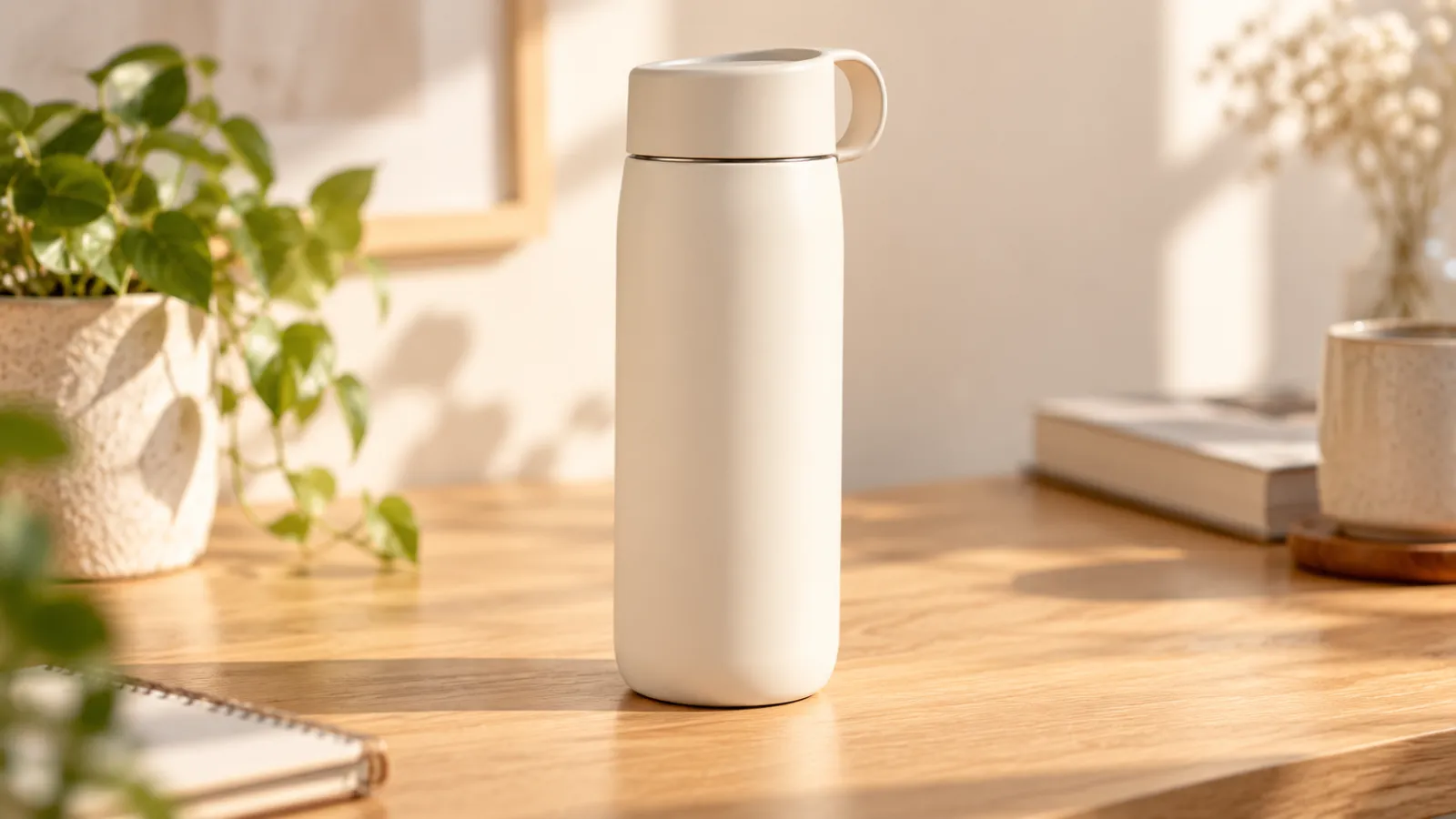
A clean product reference image can be transformed into different environments. Sellers that need a larger collection of coordinated ecommerce visuals can also use PixPix's AI Product Image Set Generator to build multiple product assets from reference images.
For example:
place a tumbler on a modern office desk;
move a coffee machine into a kitchen setting;
place perfume on a vanity or hotel table;
show footwear in an urban or sports environment;
position home products inside a living room or workspace.
This allows sellers and brands to create multiple visual directions from the same product reference.
2. Edit Product Backgrounds and Environments
A strong existing product photo does not always need to be regenerated from scratch.
Sometimes only the environment needs to change.
For example:
“Keep the product unchanged. Replace the white background with a light-gray studio setting, add soft side lighting and a natural shadow, and preserve the original product color and structure.”
This type of targeted editing can be useful for teams that already have product photography but need more visual variety.
3. Create Fashion, Accessories, and Beauty Visuals
For apparel, footwear, jewelry, accessories, and beauty products, teams can use the new model to test how well important product details are preserved.
For apparel in particular, PixPix also offers an AI Apparel Image Set Generator for creating coordinated ecommerce visuals from a small number of garment reference photos.
For apparel, useful areas to review include:
fabric texture;
prints and patterns;
garment shape;
zippers, buttons, and hardware;
product color consistency.
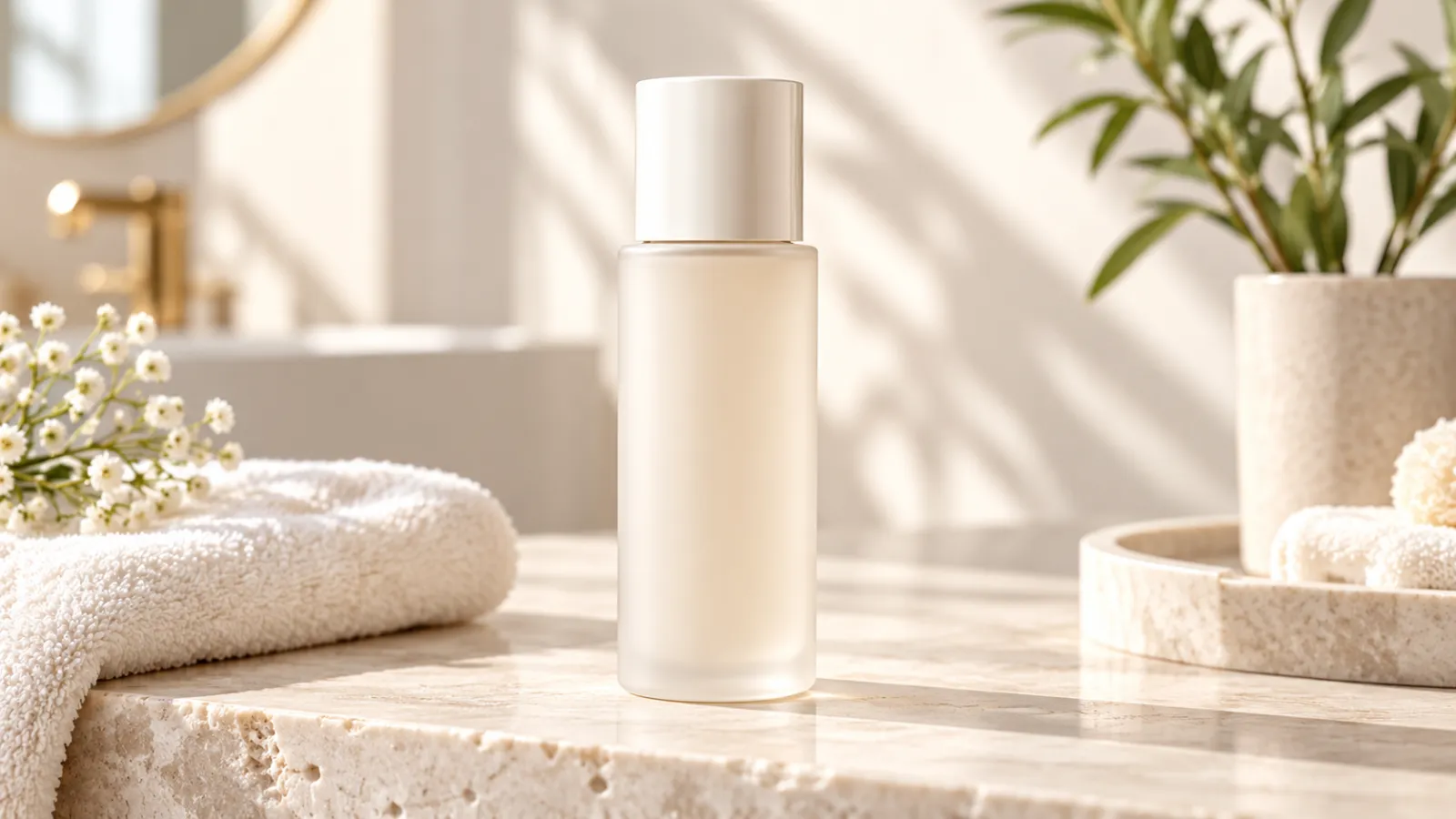
For jewelry, watches, perfume, and beauty packaging, users can pay closer attention to metallic reflections, glass materials, bottle shapes, and packaging details.
4. Explore Multiple Creative Directions for the Same SKU
Another useful application of AI product imagery is rapid creative exploration.
The same product can be tested across multiple visual styles, including:
minimal white-background imagery;
premium studio photography;
lifestyle scenes;
seasonal campaigns;
social-media-oriented visuals;
advertising banner compositions.
Teams can generate several directions first and then decide which concepts are worth refining further.
How to Write Better Prompts for Product Images
Product image prompts do not necessarily need to be complicated.
Instead of adding a long list of stylistic keywords, it is often more useful to clearly define three things:
the product, the environment, and what must remain unchanged.
For example, a prompt for a tumbler could look like this:
Use the tumbler from the reference image as the main subject. Place it on a light wooden office desk with soft natural side lighting and a clean background. Preserve the original tumbler color, lid structure, brand logo, and proportions. Do not add accessories.
After generation, users should still compare the output with the original product reference.
Important details such as product color, structure, logo, packaging, and other SKU-specific information should always be reviewed before the image is used commercially.
For ecommerce use, AI-generated imagery works best as part of the visual production workflow rather than as a replacement for final product verification.
From a Single Product Image to a Complete Asset Set
In real ecommerce operations, one image is rarely enough.
A new product may require:
primary product images;
white-background images;
lifestyle scenes;
detail shots;
social media creatives;
advertising assets;
multiple aspect ratios for different platforms.
Teams that need a coordinated set of product visuals can start with a product reference image and creative requirements, then use PixPix's Product Image Set workflow to create main images, lifestyle visuals, detail images, and other ecommerce assets.
For Amazon sellers and brands building richer product detail pages, PixPix also provides an Amazon A+ Content Generator for creating structured feature graphics, lifestyle scenes, specifications, and other A+ content modules.
Each output should still be reviewed for product accuracy and visual consistency.
Available models, features, and generation options may vary depending on what is currently shown within PixPix.

Experience ChatGPT Images 2.5 in PixPix
The integration of ChatGPT Images 2.5 is another step in PixPix's effort to bring new-generation image models into practical ecommerce content workflows.
For cross-border sellers, ecommerce brands, designers, and content teams, the value of a new image model is not simply that it offers another way to generate pictures.
What matters more is whether it can help reduce repetitive editing and make it easier to move from a product reference image to usable visual assets.
Users can now bring their own product images into PixPix and explore the generation and editing capabilities of GPT Image within an ecommerce-focused creative workflow.
A simple way to start is to upload a familiar product image and test one task: create a new scene, replace the background, or make a targeted edit.
Then compare the result with the original product and see how the new model responds to both creative instructions and product-preservation requirements.
Visit PixPix's AI image generation workspace to check the current model entry point and usage information.
Available features, model options, and usage limits are subject to what is currently displayed within PixPix.

AI Image Tool Built for E-commerce Teams
For new product launches, advertising, and promotional campaigns, use AI to generate product images, scene visuals, ad creatives, and short video assets — making content production faster.